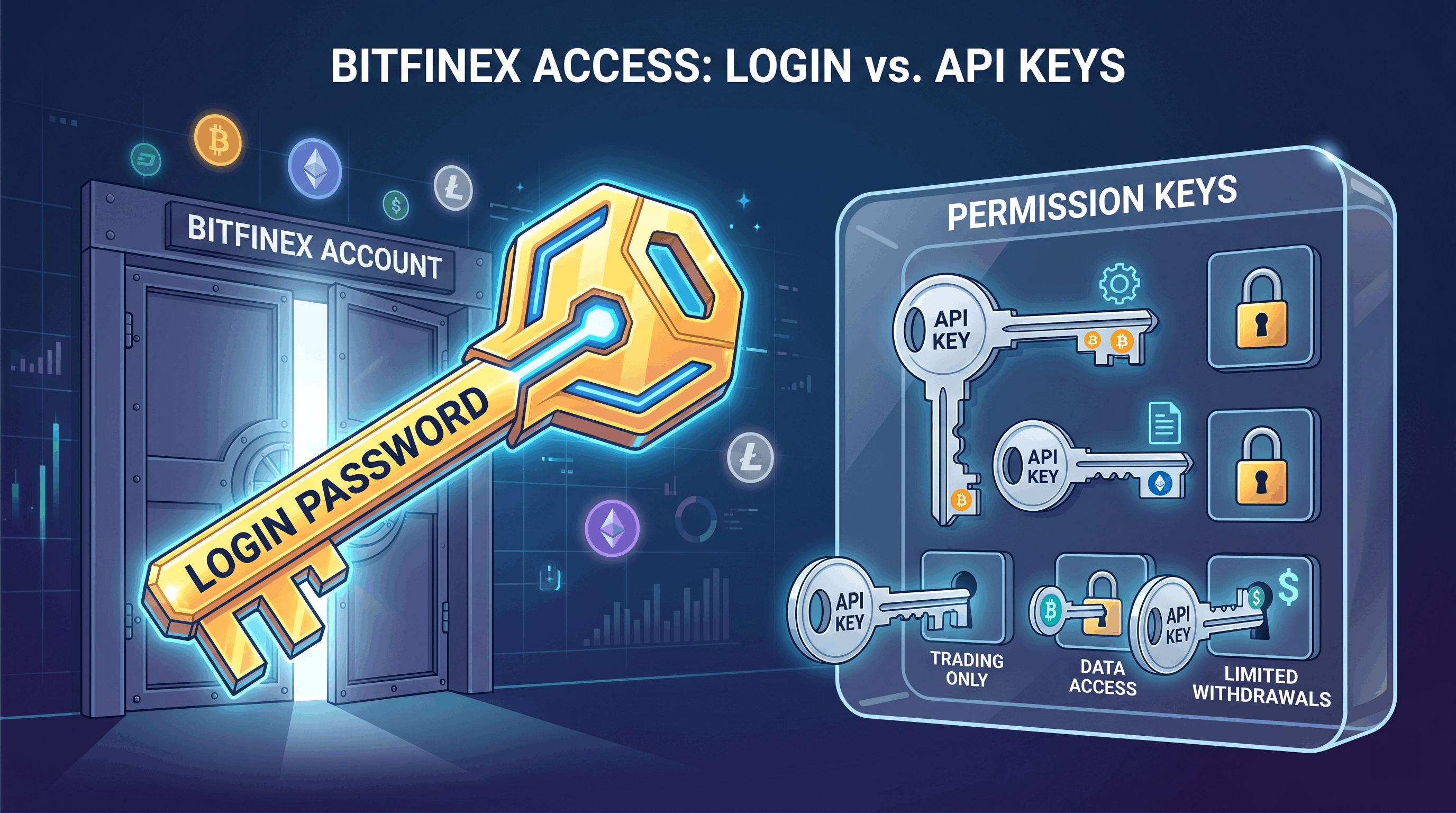
A Bitfinex API key is a credential that lets software act on your account without needing your password. For a lending bot, there's one rule: grant lending permissions only, never withdrawal. That way the bot can place, cancel, and renew funding offers but can never move money out of your Bitfinex account — your funds stay in your own account, and you can revoke the key at any time.
This 3-minute guide covers what an API key is, which permissions a lending bot needs, why you must never grant withdrawal, and how to create a safe lending-only key step by step.
What is an API key — and how is it different from a password?
An API key is a key the exchange issues for software to use. It differs from your login password in three key ways: (1) it can't log into the website, (2) its permissions are granular (you decide what it can do), and (3) it can be revoked anytime without affecting your password. So handing a bot your API key is not handing over your account — you're giving a restricted key that can only do a few specific things.
Which permissions does a lending bot need?
| Permission | Lending bot | Why |
|---|---|---|
| Margin Funding (read + write) | ✅ Grant | See funding rates + place/cancel/renew offers |
| Wallets (read) | ✅ Grant | See balances to decide offer sizes |
| Account History (read) | ✅ Grant | See past fills and performance |
| Wallets (write) | 🟡 Optional | Only for auto-transfer between your own wallets (BTC auto-transfer, USD DCA). Note: this moves funds between your wallets, still inside Bitfinex |
| Withdraw | ❌ Never grant | Sends funds to external addresses — a lending bot never needs this |
Step by step: create a lending-only key on Bitfinex
- Log into Bitfinex → top-right avatar → API Keys.
- Click "Create New Key".
- Check only: Margin Funding (read + write), Wallets (read), Account History (read). Add Wallets (write) only if you need auto-transfer/DCA.
- Confirm "Withdraw" is OFF (it's off by default — don't enable it).
- Generate the key → copy the API Key and Secret (Secret shows only once) → paste into the bot.
Why is this safe?
The key is that Bitfinex splits "Wallets write" (transfers between your own wallets) from "Withdraw" (sending to external addresses). Only Withdraw can move funds off Bitfinex. A lending bot doesn't get Withdraw, so even if the key leaked, someone could only place/cancel funding offers on your account — the money can't leave. Combined with the ability to revoke the key anytime, the risk is contained.
Red flags: refuse these
- Any service that asks for "Withdraw" permission → refuse. Legitimate lending bots (EarnUSD, Cryptolend, Altinvest, Coinlend, etc.) don't need withdrawal.
- Asking for your login password or 2FA code → refuse; the API needs neither.
- Asking you to send funds to "its address" or a "platform wallet" → refuse; a legitimate bot keeps your funds in your own Bitfinex account.
Bottom line
An API key isn't "handing over your account" — it's a restricted key. For lending, grant Funding / Wallets-read / History only and never grant Withdraw, and funds can never leave your account. That's the shared safety model of lending bots like EarnUSD: lending-permission API only, never custodying your principal.