Recommended Bot Defaults
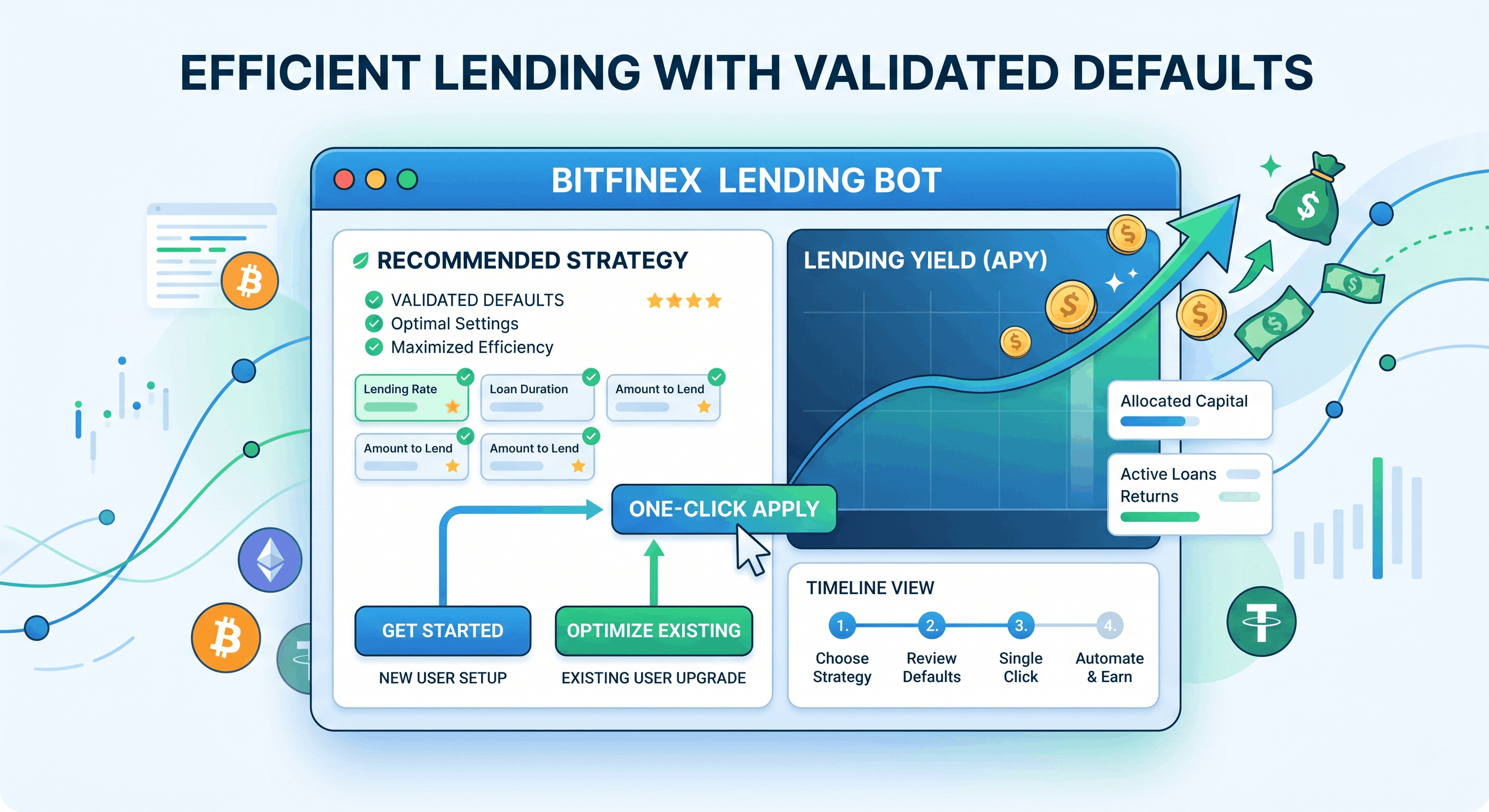
EarnUSD has prepared a verified set of recommended defaults so your lending bot can actively explore market opportunities and follow rate changes, without spending time figuring out what each field should be.
New accounts: defaults applied automatically — ready to use after login
Existing accounts: click the “Apply Recommended Defaults” button on the bot configuration page for one-click adoption
Recommended Defaults Reference
USD / USDT
Setting | Recommended |
|---|---|
Lending Period | Dynamic Period |
Minimum Rate Strategy | Auto |
Reserve Orders | Auto |
Increasing Lending Rate | 0.2% |
Max Lending Days | 120 days |
Each-order Amount Mode | Auto Split |
Order Strategy | Equal Split |
Rate History Limit | 10 entries |
BTC
Setting | Recommended |
|---|---|
Lending Period | Dynamic Period |
Minimum Rate Strategy | Auto |
Increasing Lending Rate | 0.02% |
Max Lending Days | 120 days |
Each-order Amount Mode | Auto Split |
Order Strategy | Equal Split |
Rate History Limit | 10 entries |
(BTC has no “Reserve Orders” setting)
About “Each-order Amount Mode = Auto Split”: instead of a fixed amount per offer, the bot spreads all lendable funds evenly across up to 20 offers (each at least $151), so no capital sits idle. It applies only under the Equal Split order strategy, and you can switch back to a fixed amount anytime on the bot configuration page.
Fields NOT Touched by Recommended Defaults
The following fields are “personalized” settings — recommended defaults will not modify them, your choices are fully preserved:
Bot Status: stopped by default — you decide when to start
Reserve Balance: $0 by default — set according to your cash flow preference
Minimum Rate Value: serves as fallback under the “Auto” strategy — still user-customizable
Stop Date: set as needed
Telegram Notifications: requires Telegram account binding first
USD DCA Settings: depends on your investment strategy
BTC Auto Transfer: requires Bitfinex wallets write permission
How to Apply Recommended Defaults
Existing User Opt-in Flow
Go to the bot configuration page
Switch to USD / USDT / BTC tab
If the bot is running, click “Stop Bot” first
Find the gray “Apply Recommended Defaults” button next to “Save Changes”
A confirmation dialog appears listing fields to be modified (old value → new value)
Confirm → form fields visually update (not saved yet)
Review and click “Save Changes” to actually persist
Button Safety Mechanisms
Already at defaults: clicking shows “Already at recommended defaults — no changes needed”, no action taken
Bot running: button disabled (gray, unclickable) to avoid disrupting active strategy
No auto-save: clicking only updates form display; you must manually click “Save Changes” to persist
Will My Existing Settings Be Overwritten?
Only 8 fields are touched by recommended defaults: Lending Period, Minimum Rate Strategy, Max Lending Days, Rate History Limit, Each-order Amount Mode, Order Strategy, Increasing Lending Rate, Reserve Orders.
Your existing settings fully preserved: Reserve Balance, Minimum Rate Value, Stop Date, Telegram Notifications, DCA Settings, BTC Auto Transfer, etc.
The confirmation dialog clearly lists each field to be modified (old → new), letting you fully review the changes before confirming. Cancel anytime if anything looks off.
When NOT to Apply Recommended Defaults
If you fit any of the following scenarios, keep your existing settings:
Deliberately set “only lend at high rates” — want bot to strictly follow your rate floor
Only do short-term offers, not interested in long-period market
Not interested in reserving order slots for high-rate opportunities
Already customized settings from experience and satisfied with current performance
“Recommended defaults” suit most common use cases but are not the only correct answer. Every field remains manually adjustable; you can always revert to any preferred value after applying.
FAQ
Will my performance improve after applying?
Recommended defaults are designed to let the bot “follow the market” rather than stay fixed. Actual performance depends on market rate fluctuations, lendable balance, subscription tier, and other factors — we cannot guarantee individual results. But these defaults are a verified reasonable starting point suitable for most common scenarios.
Can I apply per currency separately?
Yes. The “Apply Recommended Defaults” button on each currency (USD / USDT / BTC) operates independently — you can apply for USD only, BTC only, or all three.
Can I revert after applying?
Yes. All fields remain manually adjustable. Applying recommended defaults simply sets fields to a “reasonable starting point”; you have full freedom to change any value afterward.
Do new registrations need to do anything?
No. New registrations get recommended defaults automatically — just set up your Bitfinex API key and start the bot, no need to adjust each field first.